
A voice for every moment
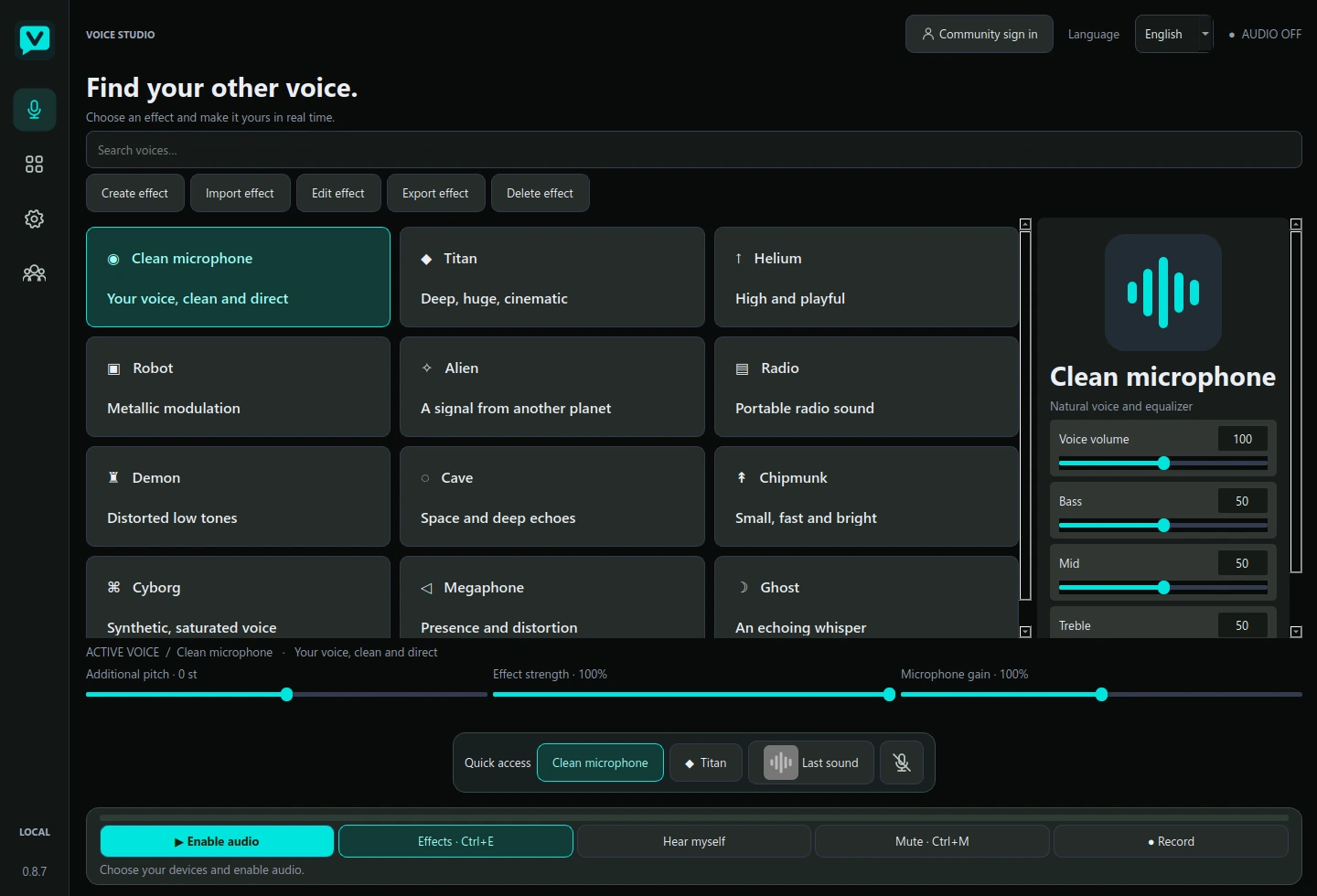
Switch from your clean microphone to a deep, robotic or high voice. Adjust pitch and intensity, or create and save your own effect.
A different voice for every moment. Your favourite sounds, right on cue. Vocero brings voice effects, a soundboard and microphone controls to your desktop.
DownloadFree. No subscription.Choose a view and see what you can do.
Application screenshots. Effects are processed on your computer.
Switch from your clean microphone to a deep, robotic or high voice. Adjust pitch and intensity, or create and save your own effect.
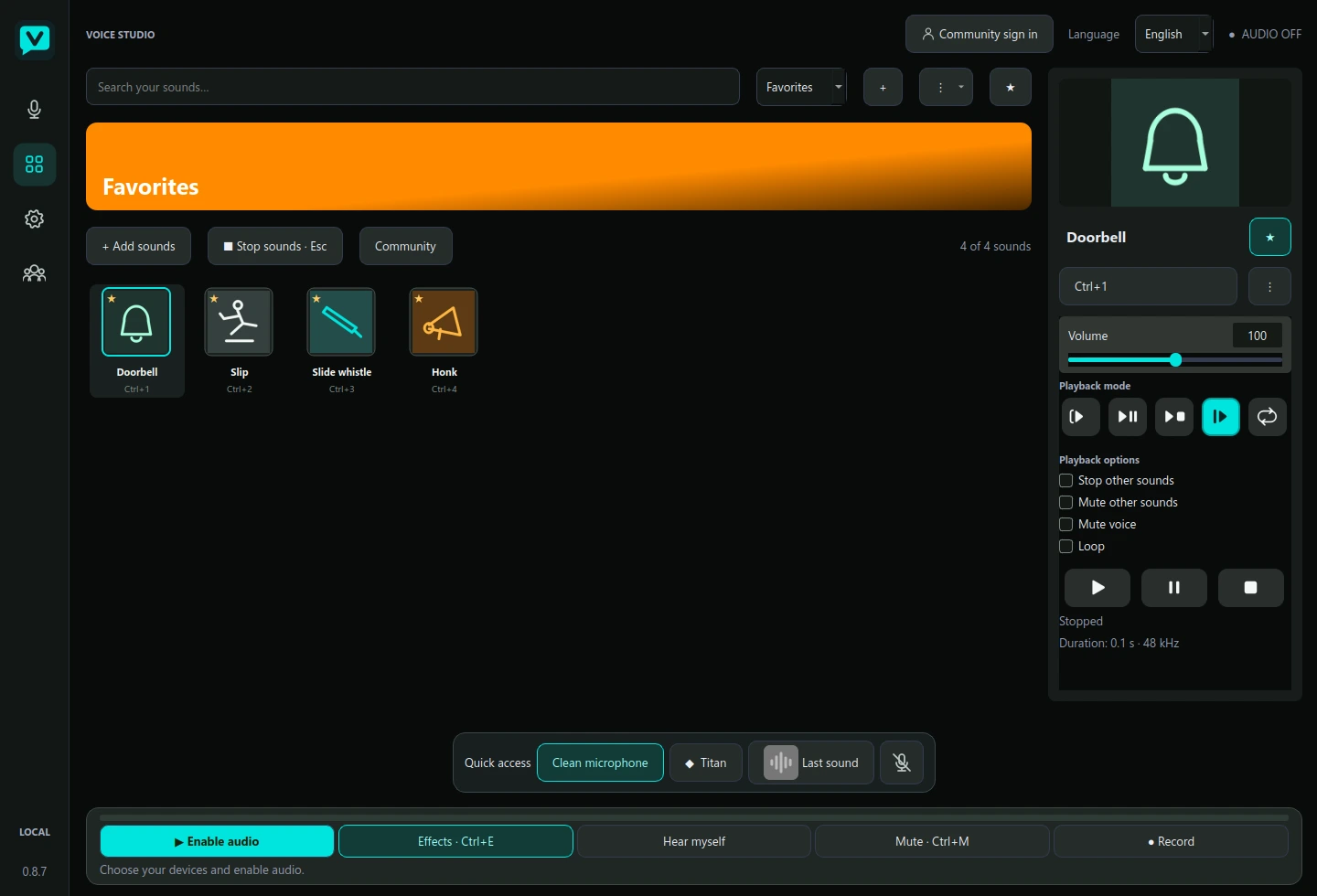
Organise sounds with images, favourites and shortcuts. Choose whether they pause, restart or loop, and set each sound’s volume.
Noise reduction, a gate with a level meter, equalisation and optional advanced processing. Adjust compression, de-essing and limiting in the app.
Connect your microphone and headphones in Vocero’s settings.
Choose a voice or prepare your soundboard. Hearing your own voice is optional; sounds have separate monitoring.
Choose the virtual input in your chat app. In Discord, disable Krisp and Echo Cancellation to prevent soundboard cuts.
The community lives in the app. Share audio you created or have permission to distribute, and add other authors’ sounds to your collection.
Each account has three invitations. To create yours, open Community in Vocero and use a code from an existing member. Read the community rules ↗
Choose the version for your computer. Vocero is free to download and use.
Windows 10 and 11 · 64-bit
Download for Windows65.2 MB · .exe
Installer includes VB-Audio’s VB-CABLE virtual audio package. Windows manages installation permissions.
Ubuntu 24.04 or compatible · x86-64
Download for Linux207.4 MB · .tar.gz
Experimental portable build. Routing to other apps requires PipeWire or PulseAudio configuration. No Linux virtual driver is included.
Linux installation guide ↗Vocero is free. To support development with a donation or discuss sponsorship, get in touch. This website does not have a payment gateway.
Microphone processing happens locally. The community only receives files you explicitly upload; this website never requests microphone access.
Its filters may mistake effects for noise. Disable Noise Suppression (Krisp) and Echo Cancellation. If cuts persist, set input sensitivity manually or try Push to Talk.
Not for voices or your local library. An account and invitation are needed to join the community.
There is no fixed number of slots in your local library. Your computer’s storage and resources are the practical limit. Shared community audio has a 45-second maximum.
They share the interface and local processing. Windows has an integrated installer; Linux is experimental and needs the audio routing and dependencies described in its guide.